【販売記念セール中‼】Dreamin' Lounge【VRChat】
- ダウンロード商品¥ 1,200
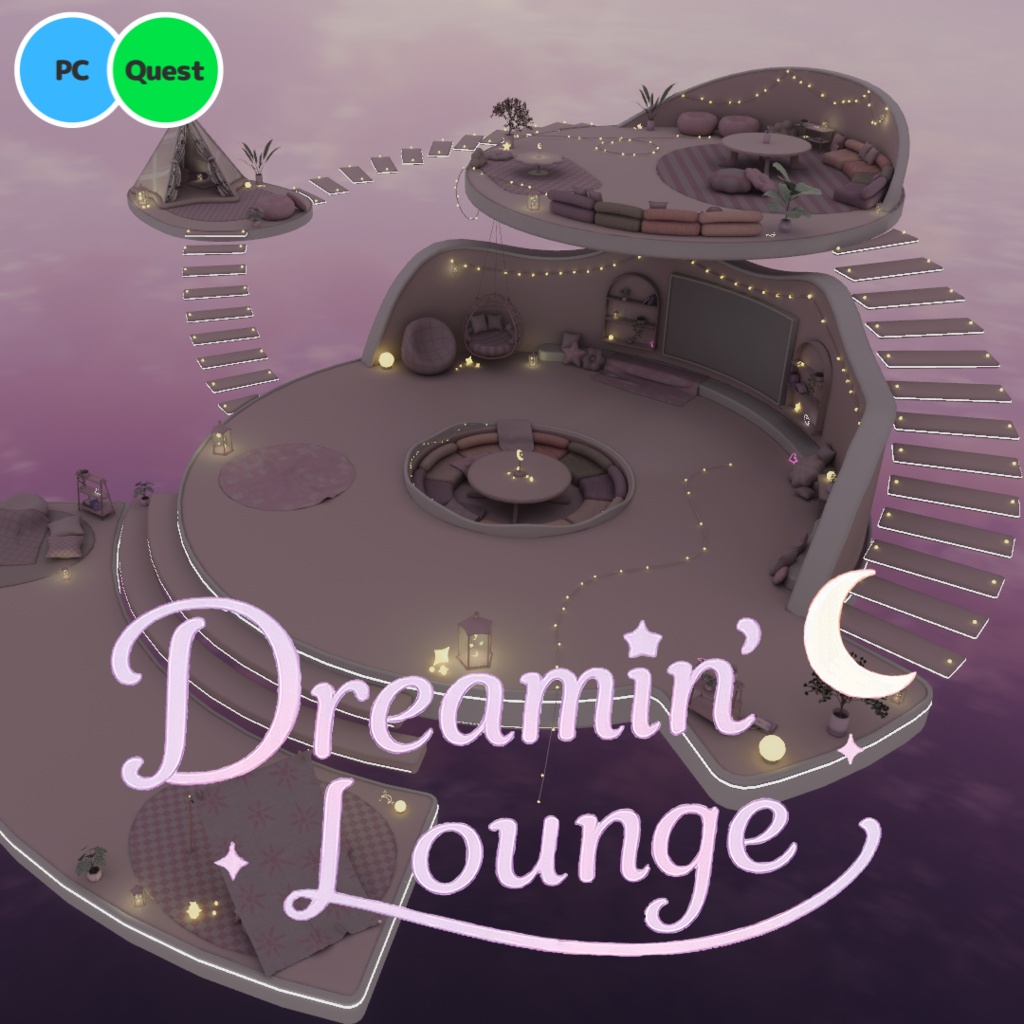
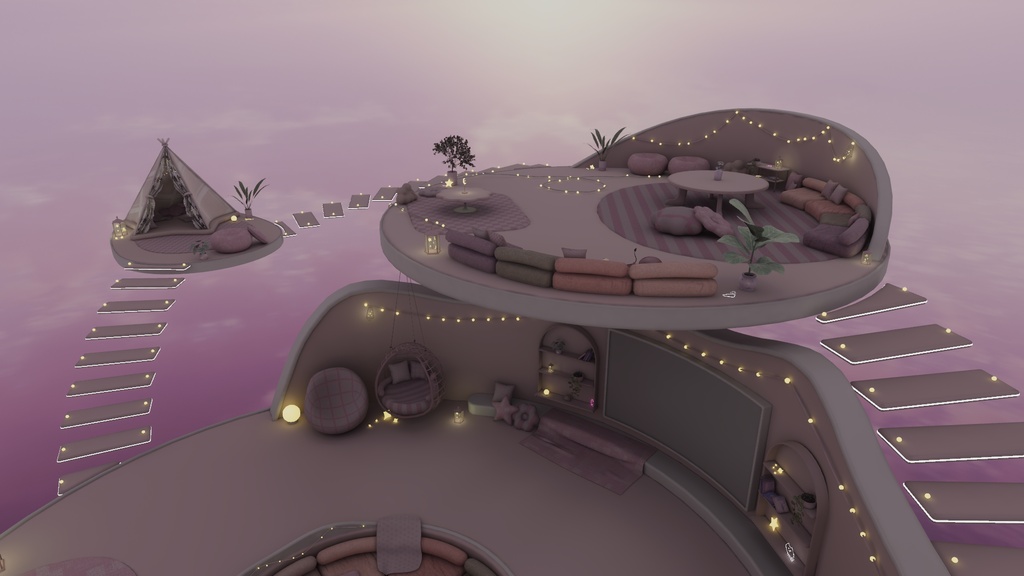
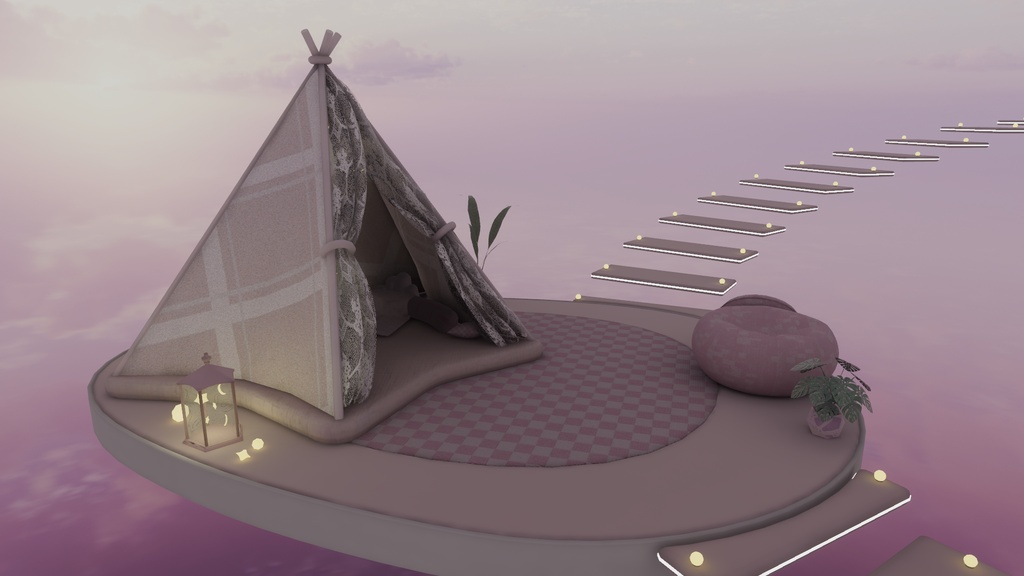
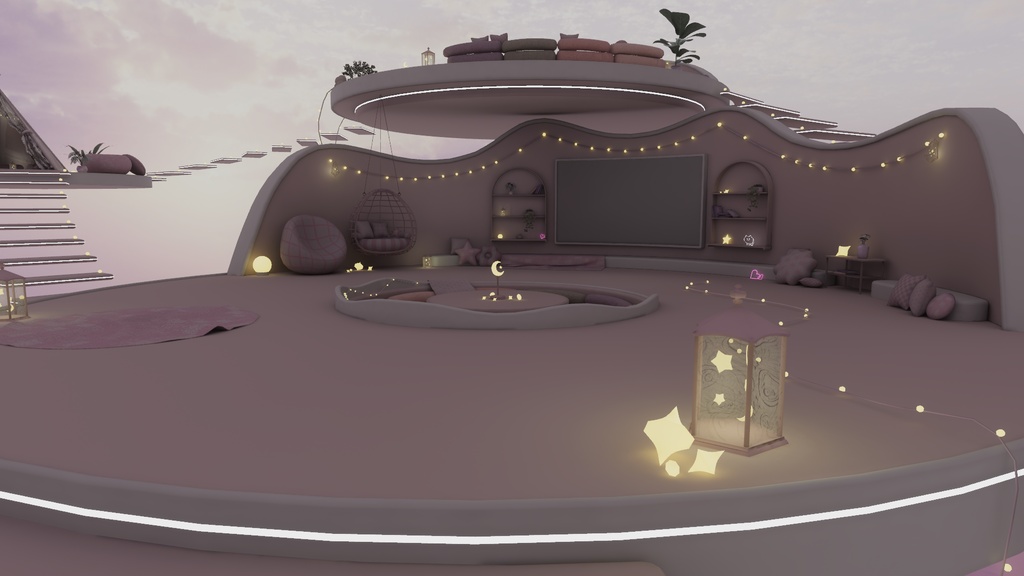
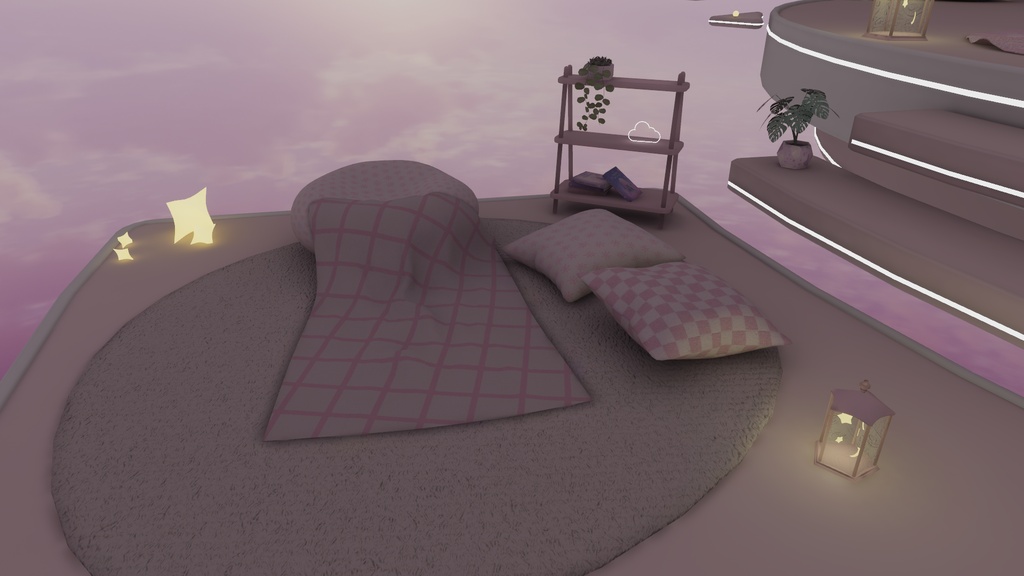
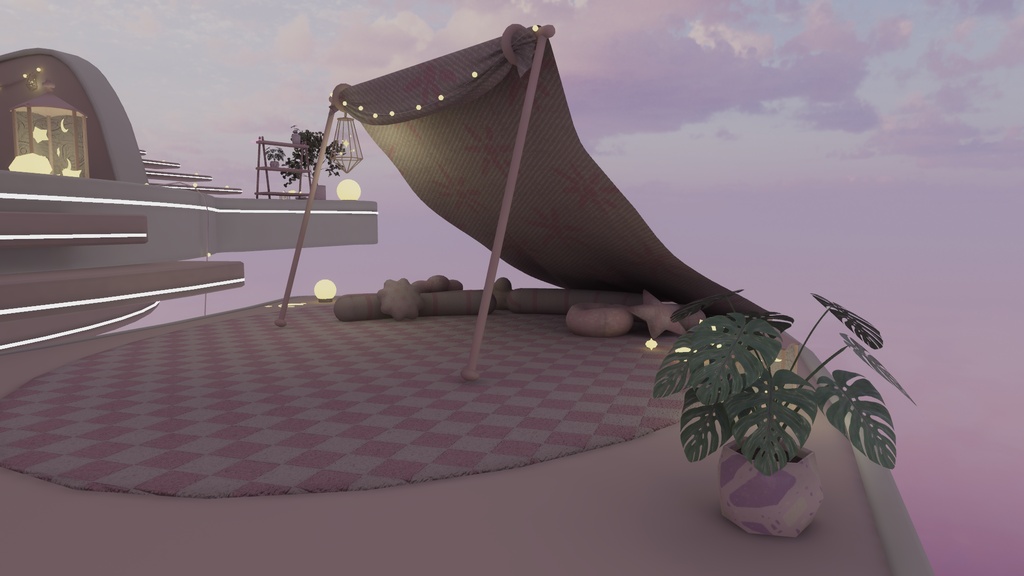
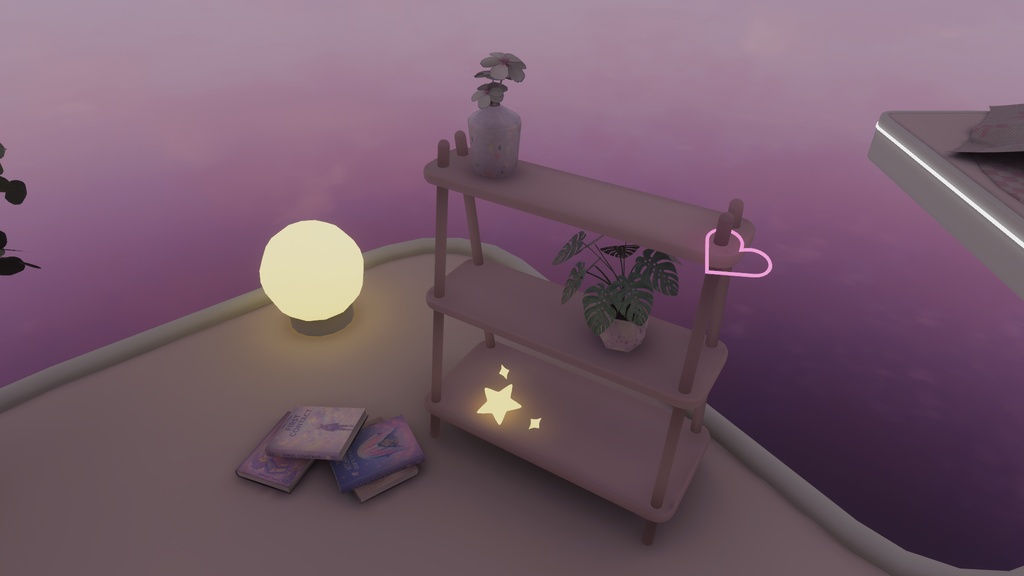
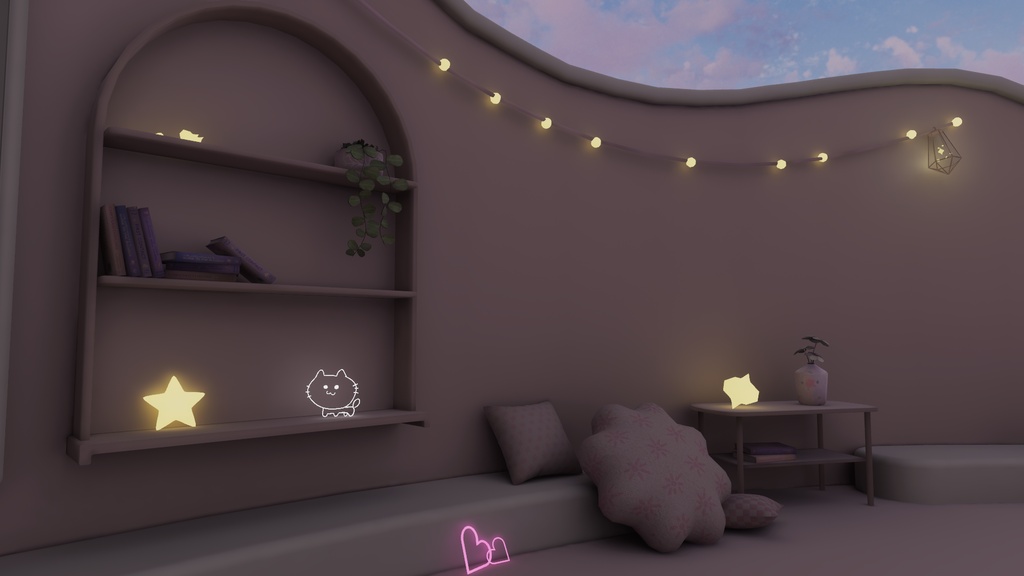
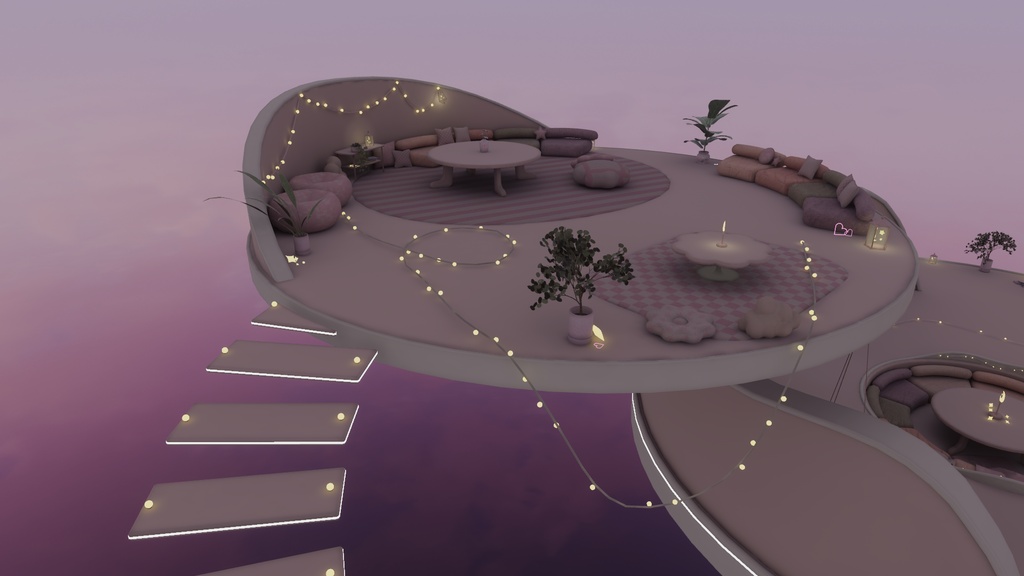
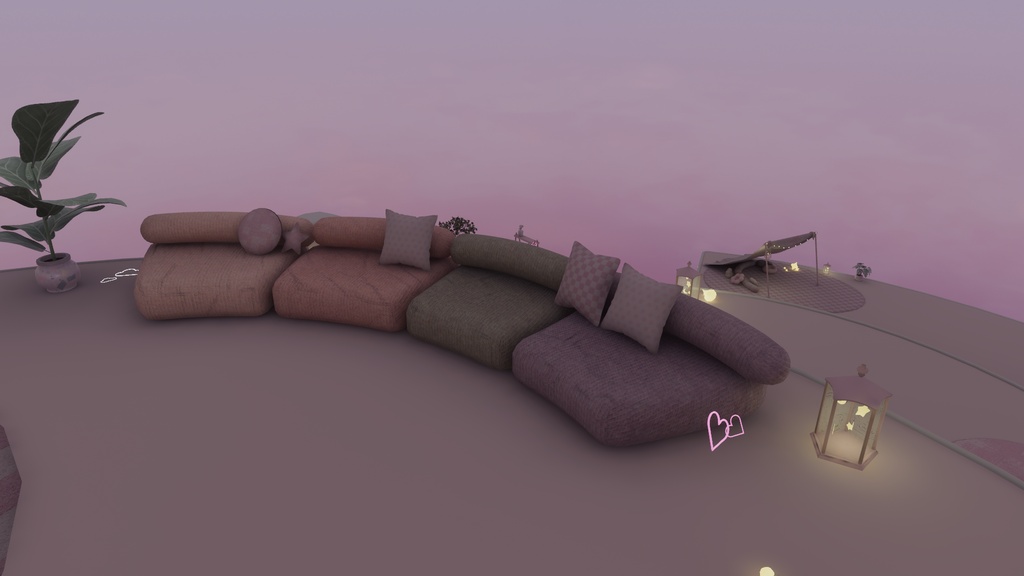
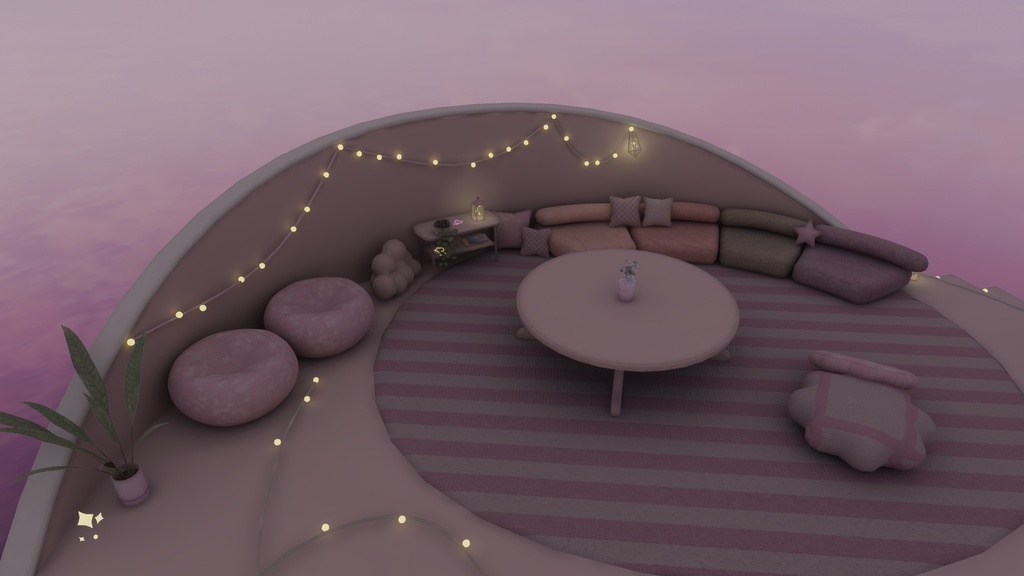
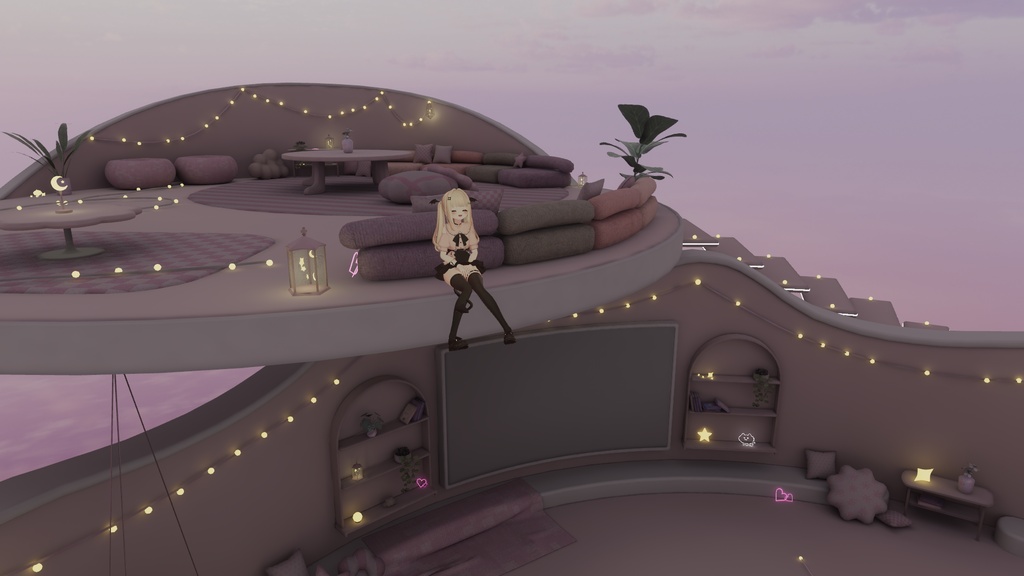
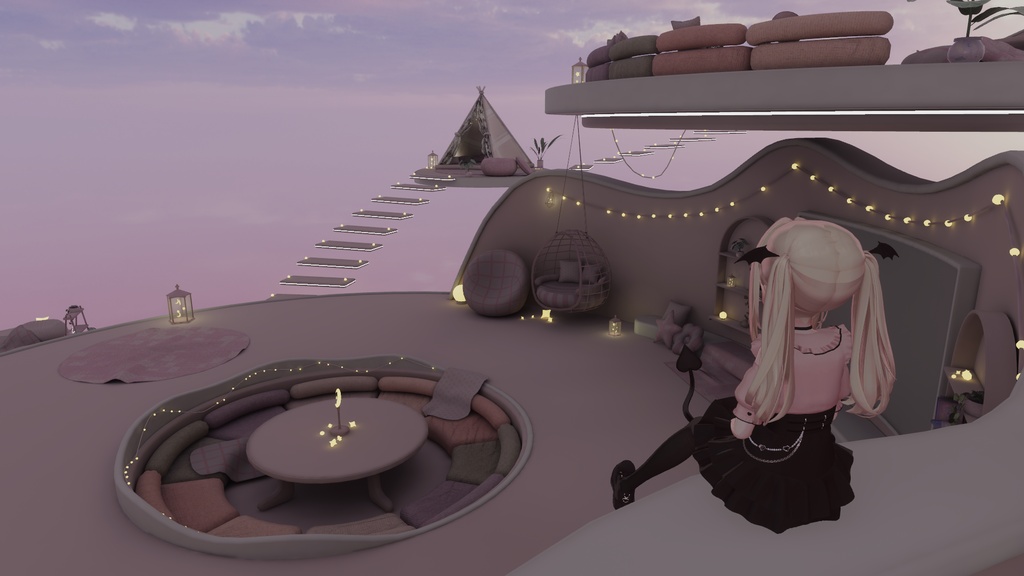
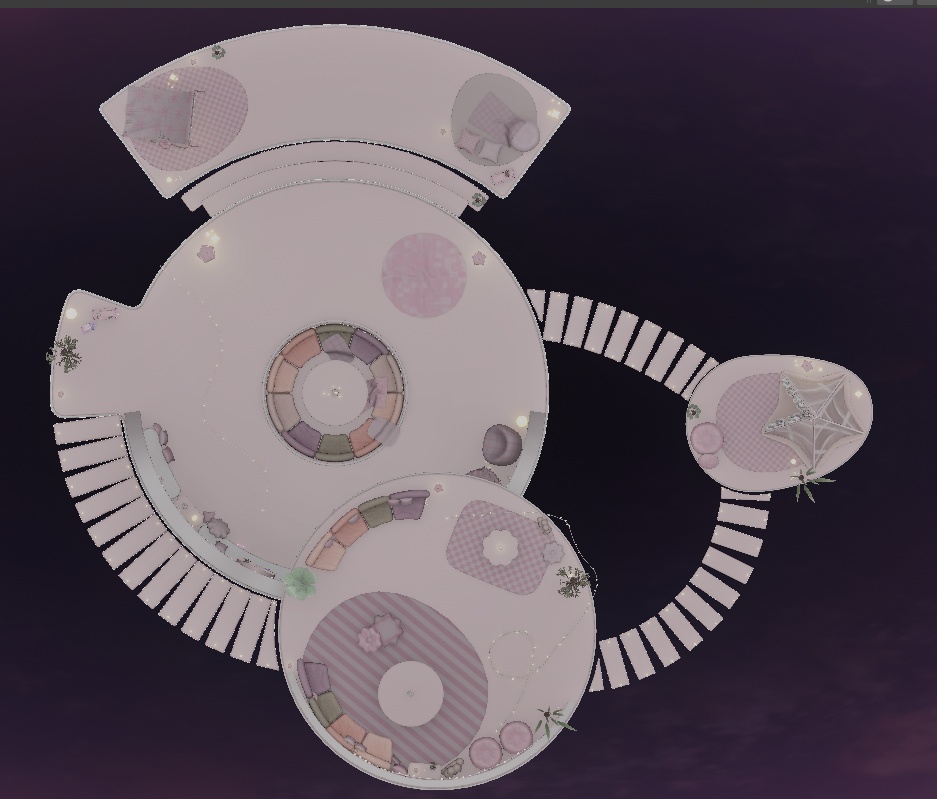
⭐⭐⭐⭐⭐⭐⭐⭐⭐⭐⭐⭐⭐⭐⭐⭐⭐⭐⭐ 発売記念セール 8/1 ~ 8/3 ¥1,400 → ¥1,200 ⭐⭐⭐⭐⭐⭐⭐⭐⭐⭐⭐⭐⭐⭐⭐⭐⭐⭐⭐ コンセプトは 『空に浮かぶ、ゆめかわワールド』 ・開放感のある設計 ・2つの広めのフロアと、1つの小さなフロア ・それらをつなぐ浮遊感のある階段 ・ふんわりとした雰囲気を演出するライティング ・全体の柔らかさを出すために直線をなるべく排除 フルスクラッチで制作しています。 スタンダードなデータ設計なので改変しやすいです。 またUnity標準機能でライトベイクしており、改変後の再ライトベイク調整もしやすくなっています。 初めてのホームワールドにもおすすめです。 データを購入してすぐアップロードして使えます。 ※商品サムネイルのSkyboxは、Untyアセットストアで無料配布されているものを使用しています。販売データには含まれていないのでご注意ください。リンクは下記のクレジットの項目を参照ください。 ------------------------------------------------------------ The concept is “A Dreamy, Cute World Floating in the Sky.” ・An open, airy design ・Two spacious floors and one smaller floor ・Stairs with a floating feel connecting them ・Lighting that creates a soft, dreamy atmosphere ・Straight lines are minimized to give the entire space a soft, gentle feel This was created entirely from scratch. The data is designed using standard conventions, making it easy to modify. Additionally, lighting has been baked using Unity’s standard features, making it easy to adjust and rebake after modifications. It’s also recommended for those creating their first home world. You can upload and use the data immediately after purchase. *Please note that the skybox shown in the product thumbnail is a free asset available on the Unity Asset Store. It is not included in the sold data. Please refer to the credits section below for the link.
概要
・VRChat対応(PC /Quest) ・フルスクラッチの家具、建築、小物 ・主要オブジェクトにUV2設定済み ・Unity標準機能でのライティング設定済み ・リフレクションプローブ、ライトプローブ設定済み ・PostProcess設定済み (PCのみ) ・アップロード時 約43MB ------------------------------------------------------------ ・VRChat compatible (PC / Quest) ・Furniture, architecture, and props created entirely from scratch ・UV2 settings applied to main objects ・Lighting configured using Unity’s standard features ・Reflection probes and light probes configured ・Post-process effects configured (PC only) ・File size upon upload: approx. 43 MB
サンプルワールド
https://vrchat.com/home/launch?worldId=wrld_f541864f-459f-4039-9d62-4903b2de9ce6 サンプルワールドにあって商品には含まれていないもの ・skybox ・LuraSwith ・QVペン ・動画プレイヤー ・ImagePad ・入退室ログと通知音 ・クッションに設定されているコライダー ------------------------------------------------------------ Items included in the sample world but not included in the product ・Skybox ・LuraSwitch ・QV Pen ・Video Player ・ImagePad ・Entry/Exit Logs and Notification Sounds ・Colliders set on cushions
ワールド導入方法
ワールド導入に関して個別・無償の対応は行っておりませんが、一般的なワールド導入手順で導入いただけます。 以下に一般的な手順をご紹介します。 ①VRChat Creator Companion(VCC)を起動して、右上のCreate New Project をクリック ↓ Unity2022 World Projectを選択して、プロジェクト名と保存場所を指定してCreate Projectをクリック ②Unityが起動したら、Projectウインドウ上に購入いただいたUnitypackageファイルをドラッグアンドドロップ。インポートをクリック。 ③データがインポートされるので、 Assets/kiei/Dreamin'Lounge/Scenes/Dreamin' Lounge.unity (Unityの四角いアイコンで表示されるシーンデータです)をhierarchy上にドラッグアンドドロップ。 ④【重要】hierarchy上に最初からあるVRCDefaultWorldSceneという名前のシーンを右クリックして、シーンを削除。 VRCワールドは1つのシーンしかアップロードできないため、デフォルトで存在するシーンを削除しなければなりません。 ⑤改変等が終わったら UnityメニューのVRChatSDK→ShowControlPanelからワールドをアップロード。 ------------------------------------------------------------ We do not provide individual, free support for world installation, but you can install the world by following the general installation procedure. The general steps are outlined below. ① Launch VRChat Creator Companion (VCC) and click “Create New Project” in the upper-right corner. ↓ Select “Unity 2022 World Project,” specify a project name and save location, then click “Create Project.” ② Once Unity launches, drag and drop the purchased Unitypackage file onto the Project window. Click Import. ③ Once the data is imported, drag and drop Assets/kiei/Dreamin'Lounge/Scenes/Dreamin' Lounge.unity (the scene data displayed as a square icon in Unity) onto the Hierarchy. ④ [Important] Right-click the scene named “VRCDefaultWorldScene” that is already present in the Hierarchy and select “Delete Scene.” Since only one scene can be uploaded to a VRC world, you must delete the default scene. ⑤ Once you have finished making any modifications, upload the world via the Unity menu: VRChat SDK → Show Control Panel.
利用規約
改変を問わず、購入したワールドをPublicでアップロードOK 本ショップの規約はVN3ライセンス(https://www.vn3.org/)を利用しています。 ---利用規約(JP)--- https://drive.google.com/file/d/1xls4hpp8AivUhoaudnYBYuONnCu83oT9/view?usp=sharing ---Terms of use(EN)--- https://drive.google.com/file/d/1QEJNN99U65SQS5NYiHexYrririIMpakg/view?usp=sharing ---이용규약(KO)--- https://drive.google.com/file/d/17jMLXCik1sXdaaYg9IgVCwlBZc7HZSDk/view?usp=sharing ---使用条款(ZH)--- https://drive.google.com/file/d/17ySrIchW4na2brQmU5G8FVLuWUEGGpF4/view?usp=sharing ダウンロード商品の特性上、返品返金は致しかねます。 No refunds. 환불 불가. 不能退款 ※利用規約は予告なく変更する場合があります。 ※当データは、予告なく一時的または長期的にデザイン・内容当を変更する事があります。 ※当データは、予告なく一時的または長期的に配信を中止する場合がございます。 ※この製品を利用して発生したトラブルに関しては製作者は一切の責任を負いません。
クレジット
【Filamented Standard for Unity】 権利者:Silent 様 booth :https://booth.pm/ja/items/3250389 ●サンプルワールド 【iwaSync3 メディアプレイヤー】 権利者:Hoshino Labs. 様 booth :https://booth.pm/ja/items/2666275 【QvPen】 権利者:Package Shop @aivrc 様 booth :https://booth.pm/ja/items/1555789 【ImagePad】 権利者:bironist 様 booth :https://booth.pm/ja/items/4573315 【LuraSwitch2】 権利者:QuickBrown Design Studio 様 booth :https://booth.pm/ja/items/1969082 【入退室ログアセット】 権利者:ねこばこ屋さん 様 booth :https://booth.pm/ja/items/2683599 【入退室 通知システム】 権利者:さたにあしょっぴんぐ 様 booth :https://booth.pm/ja/items/4589684 【湾曲スクリーン】 権利者:骨頭屋 様 booth :https://booth.pm/ja/items/5507213 【AllSky Free - 10 Sky / Skybox Set】 権利者:rpgwhitelock 様 UnityAssetStore :https://assetstore.unity.com/packages/2d/textures-materials/sky/allsky-free-10-sky-skybox-set-146014
更新履歴
2026/8/1 v1.0 販売開始